


M5Stack Unit C6L Guide: LoRa, Meshtastic, and ESP32-C6
Imagine sending a quick “the workshop is open” message to another project location without joining a Wi-Fi network. You need a small amount of data to travel between two radios, with enough feedback to see what is happening. That is an appealing starting point for the M5Stack Unit C6L.
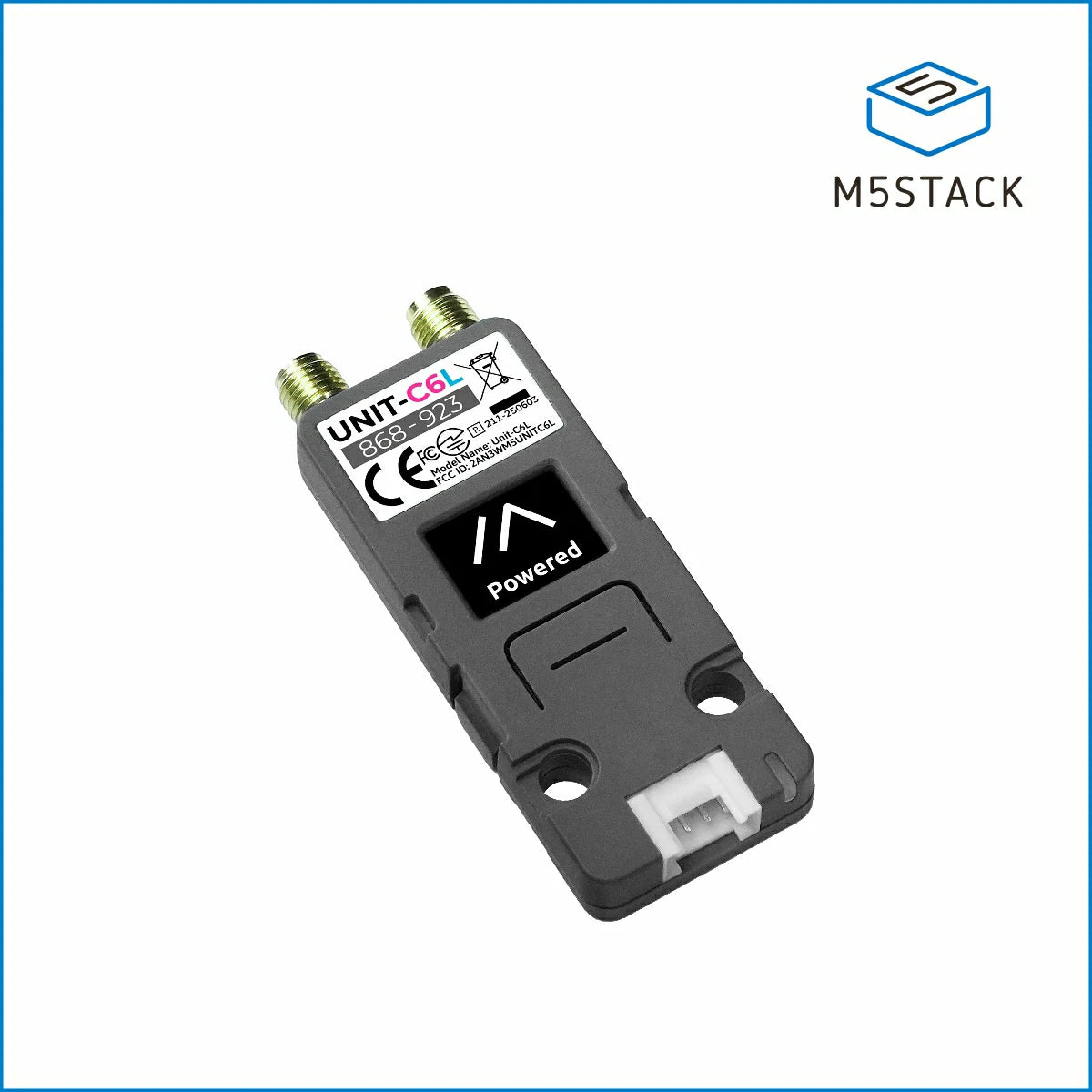
This week's featured product, M5Stack Unit C6L, combines an ESP32-C6 controller, SX1262 LoRa radio, small display, and maker connections in one enclosure. Add suitable antennas, external power, compatible firmware, and a second node to start exploring.
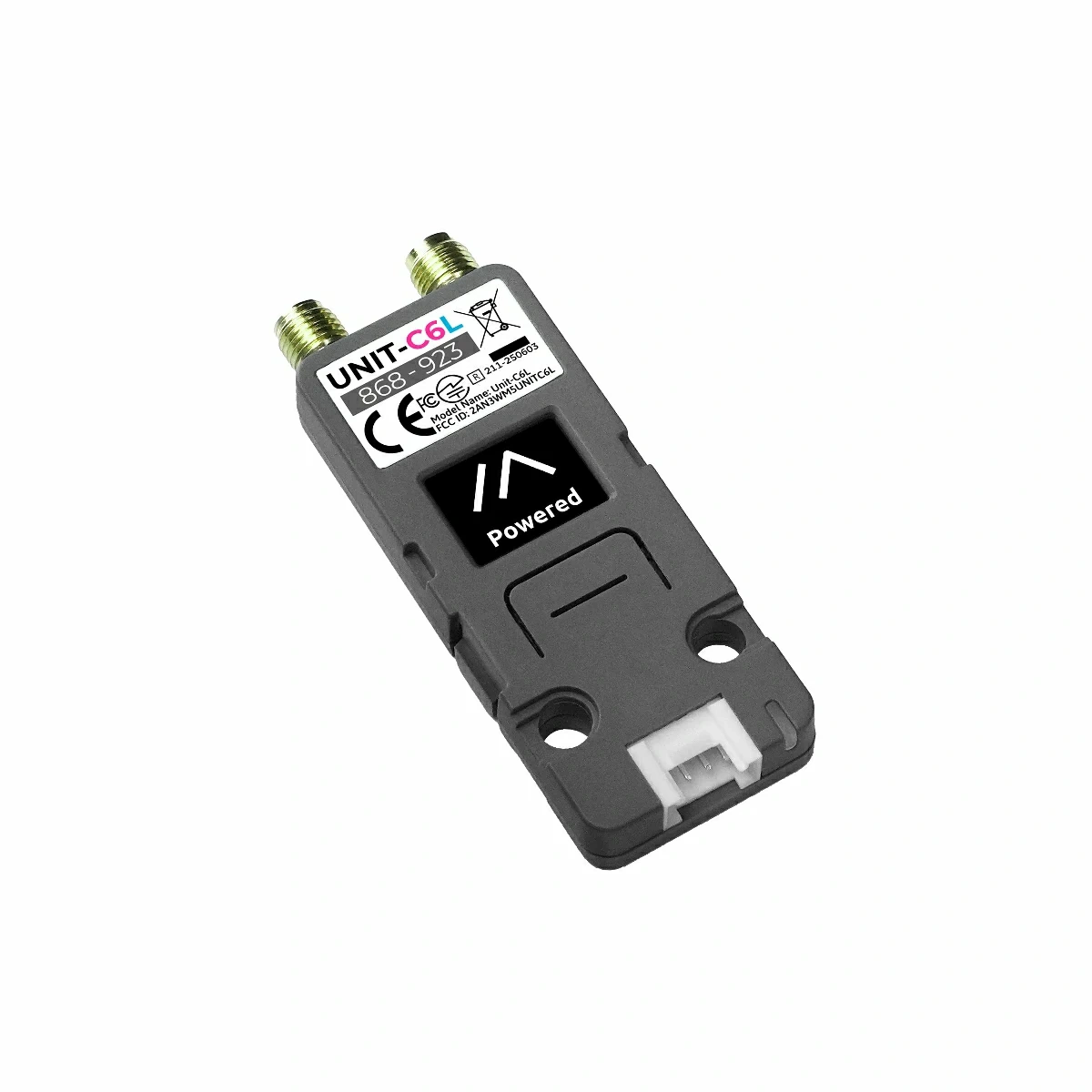
What is the M5Stack Unit C6L?
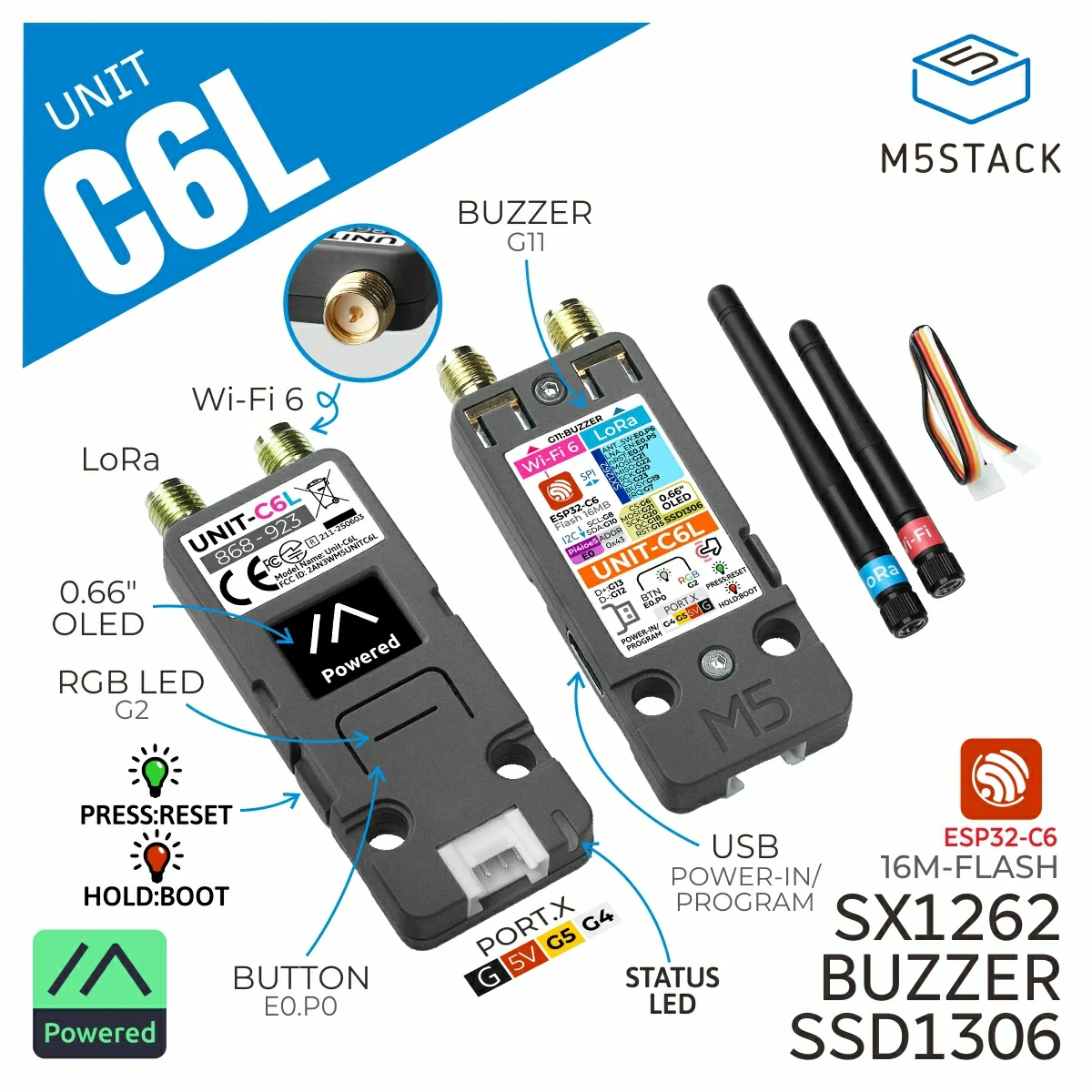
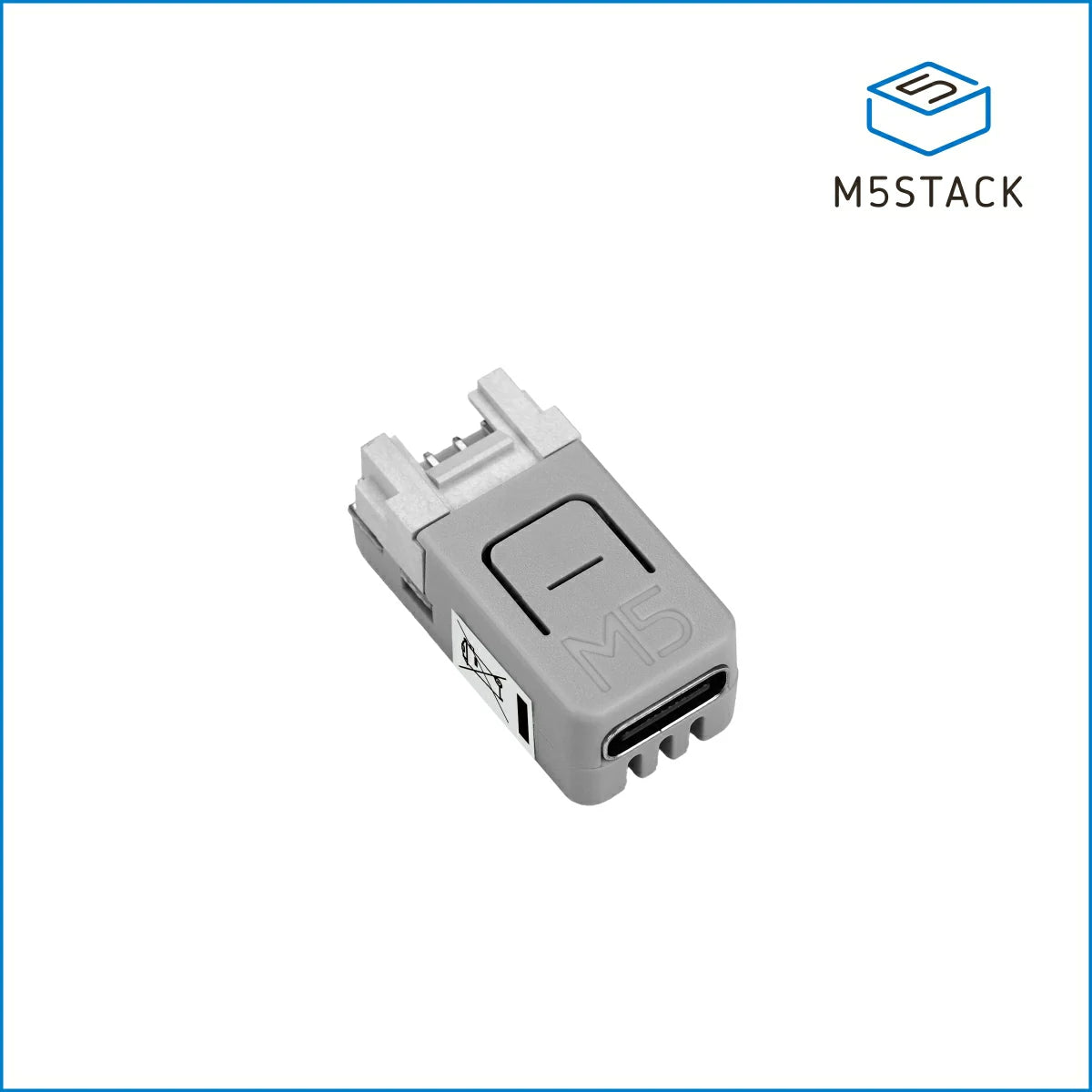
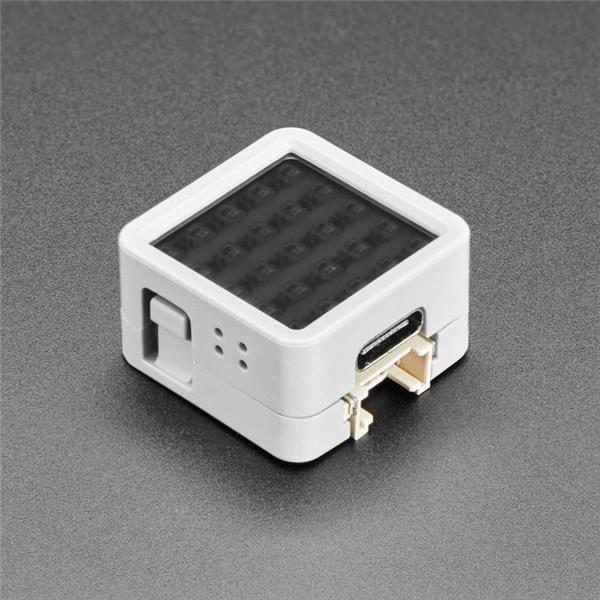
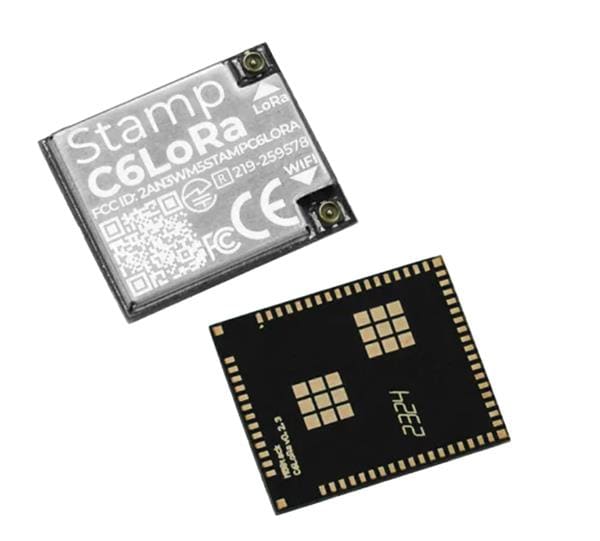
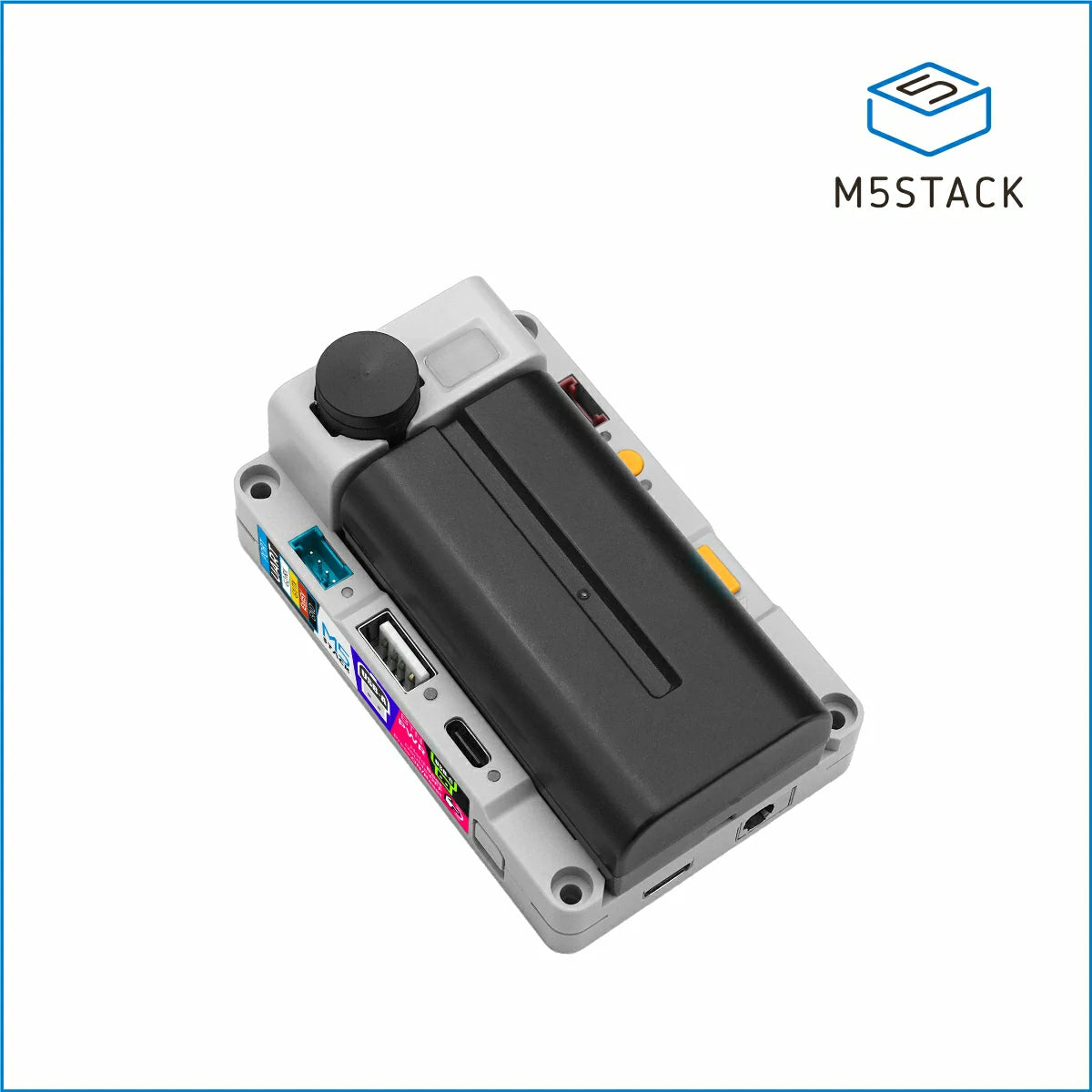
The Unit C6L is an enclosed, programmable wireless unit built around M5Stack's Stamp C6LoRa module. You get the processor and radio together with an OLED, button, RGB LED, and buzzer. For a first prototype, that means fewer separate boards to wire up and somewhere to display status without adding another screen.
The communication names describe different parts of your project. LoRa is the radio technology carrying data over the air. Meshtastic is an open-source messaging system that uses compatible radios to exchange messages and relay them through a mesh. Wi-Fi, cellular coverage, and an Internet connection are unnecessary for the radio path between nodes.
LoRaWAN is a different networking stack with gateways and network infrastructure. As Meshtastic's radio documentation explains, a Meshtastic network is not LoRaWAN.

Unit C6L specifications at a glance
These are the practical specifications from the official Unit C6L documentation. The compact measurements describe the enclosure without antennas.
| Feature | Specification |
|---|---|
| Controller and flash | ESP32-C6, main RISC-V core up to 160 MHz and low-power core up to 20 MHz, 16 MB flash |
| LoRa radio | SX1262, documented unit band 868 to 923 MHz |
| Display and controls | 0.66-inch SSD1306 monochrome OLED, 64 × 48 pixels, button, RGB LED, and buzzer |
| Local wireless | 2.4 GHz Wi-Fi 6 and Bluetooth Low Energy, with availability depending on firmware |
| Power | 5 V USB-C input, external supply required |
| Connections and mounting | Separate RP-SMA radio connectors, HY2.0-4P Grove port, LEGO-compatible mounting holes |
| Size and weight | 62 × 24 × 8 mm and 13.6 g, excluding antennas |
The OLED is useful for short messages and connection status. Your phone provides a more comfortable typing interface. Meanwhile, Espressif's ESP32-C6 specifications distinguish its main and low-power processors. They are not two equivalent 160 MHz cores, and the unit's 16 MB flash figure describes program storage.
What can you build with it?
Start with a small, clearly defined message. These three project ideas give the hardware a job without assuming a finished application is already installed.
A two-node off-grid text experiment
Put one powered Meshtastic node at your bench and a second at another project location. Pair a phone with each as needed, then exchange short messages. This is a manageable way to learn how antenna placement and matching settings affect a link. You supply the peer node and power for both ends. A nearby public mesh is a possibility, rather than something your first unit can guarantee.
A remote sensor or status display
Picture a greenhouse sending an occasional temperature reading to a display indoors. The data path is straightforward: sensor, transmitting controller, LoRa link, receiving controller, and display. Add a suitable sensor and firmware that supports its interface. A custom Arduino application gives you control over packet contents and update intervals. Define what the receiver should show when readings stop arriving, too.
LEGO-mounted signaling
The mounting holes invite a small LEGO build. A model could report “task complete” or receive an occasional mode selection. A moving rover also needs motor-control hardware, appropriate power, and a control design that handles lost messages safely. Keep steering and time-critical control local. LoRa is a better fit for brief status updates than continuous joystick traffic or video. Browse our M5Stack project hub for wider inspiration, checking each project's actual hardware.
Getting started with Unit C6L and Meshtastic
Make the first goal a short message between two known nodes. You will need a USB-C data cable for programming, a supported computer/browser, suitable antennas, external power, and a compatible peer.
- Check the hardware and antennas. Confirm U202, the intended regional band, and appropriate RP-SMA antennas. M5Stack instructs you to install the antennas before connecting power.
- Select the exact firmware target. In the official Meshtastic web flasher, choose M5Stack Unit C6L. At this article's November 6, 2026 check, it offered 2.7.26.54e0d8d Beta alongside newer Alpha options. Read the current release notes and labels before choosing.
- Follow the model's flashing instructions. Use the Unit C6L Meshtastic guide for connection and download mode. Preserve any existing configuration before an update. A full erase is a deliberate installation choice.
- Connect your client. Install a supported app from the Meshtastic downloads page and follow its pairing process. Bluetooth Low Energy, or BLE, provides the phone connection in M5Stack's documented setup.
- Match both nodes. Check the actual region, modem preset, frequency slot, and channel name/key. Send a short message and confirm it appears at the other end before extending the experiment.
US readers have a useful troubleshooting detail to check. The current joining-a-mesh guide says choosing US through a device screen can initialize LONG_TURBO, while app/CLI defaults can be LONG_FAST. Different presets cannot hear each other. Compare the settings on screen instead of assuming two fresh installations match.
M5Stack documents BLE and Wi-Fi as mutually exclusive in that Meshtastic configuration. Enabling Wi-Fi disconnects BLE. This describes the software behavior, rather than every possible ESP32-C6 application.
Antennas, power, and connections
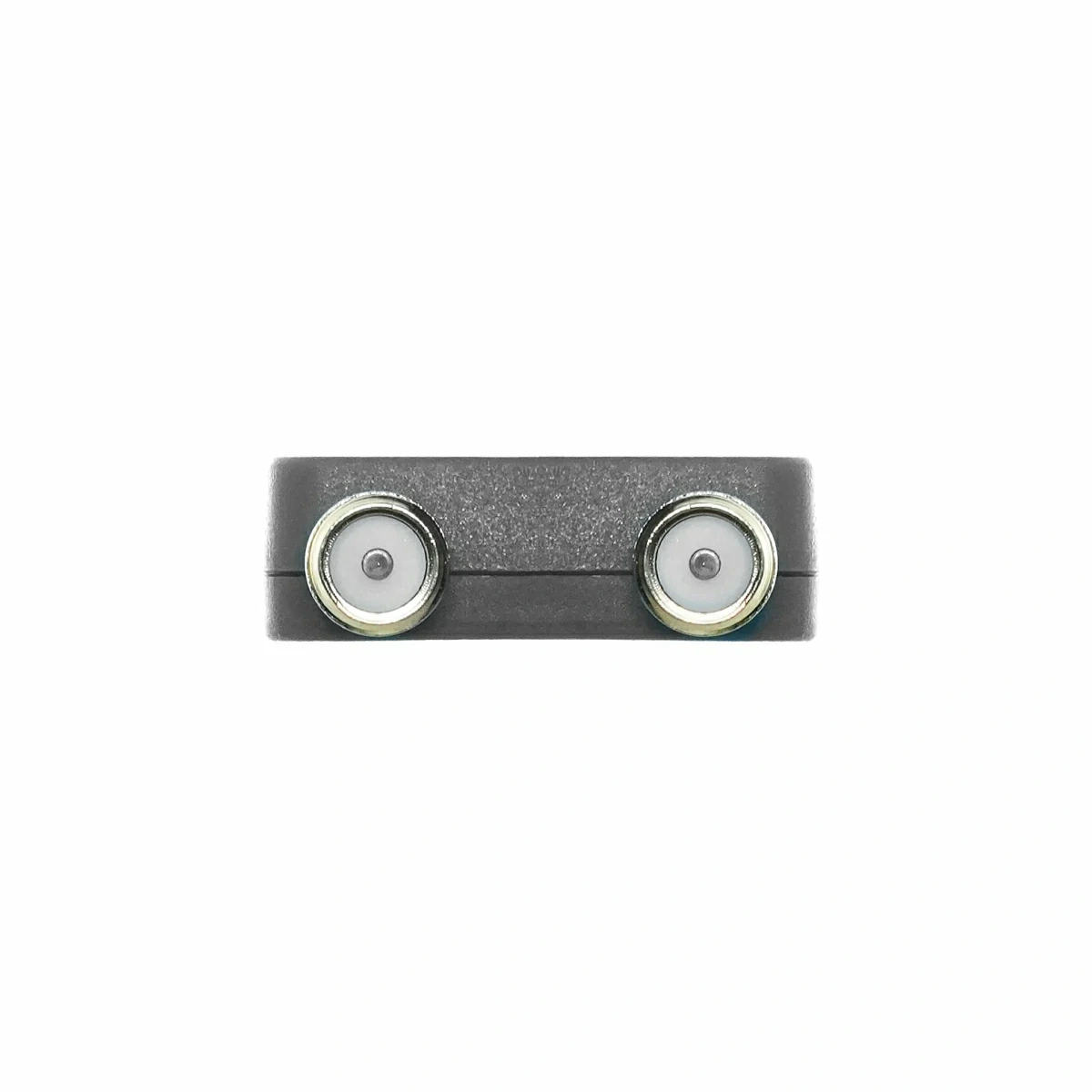
The two RP-SMA connections serve different radios: LoRa and 2.4 GHz Wi-Fi. M5Stack lists one 868 MHz LoRa antenna and one 2.4 GHz antenna in the package. For a US build, verify an antenna suited to the intended US operating frequencies and the purchased hardware revision. An 868 MHz label does not establish optimized performance around 915 MHz. Check connector polarity as well as the thread.
Choose the correct regional radio configuration before transmitting. Use the unit's documented 868 to 923 MHz band when planning, rather than the wider tuning range of the SX1262 silicon. Range and delivery depend on terrain, obstructions, antennas, settings, and traffic.
For portable use, budget space for an external USB supply or power bank alongside the antennas. No onboard battery or GPS receiver is documented. Phone-supplied location requires the relevant app permissions. Battery runtime needs measurement in your actual configuration.
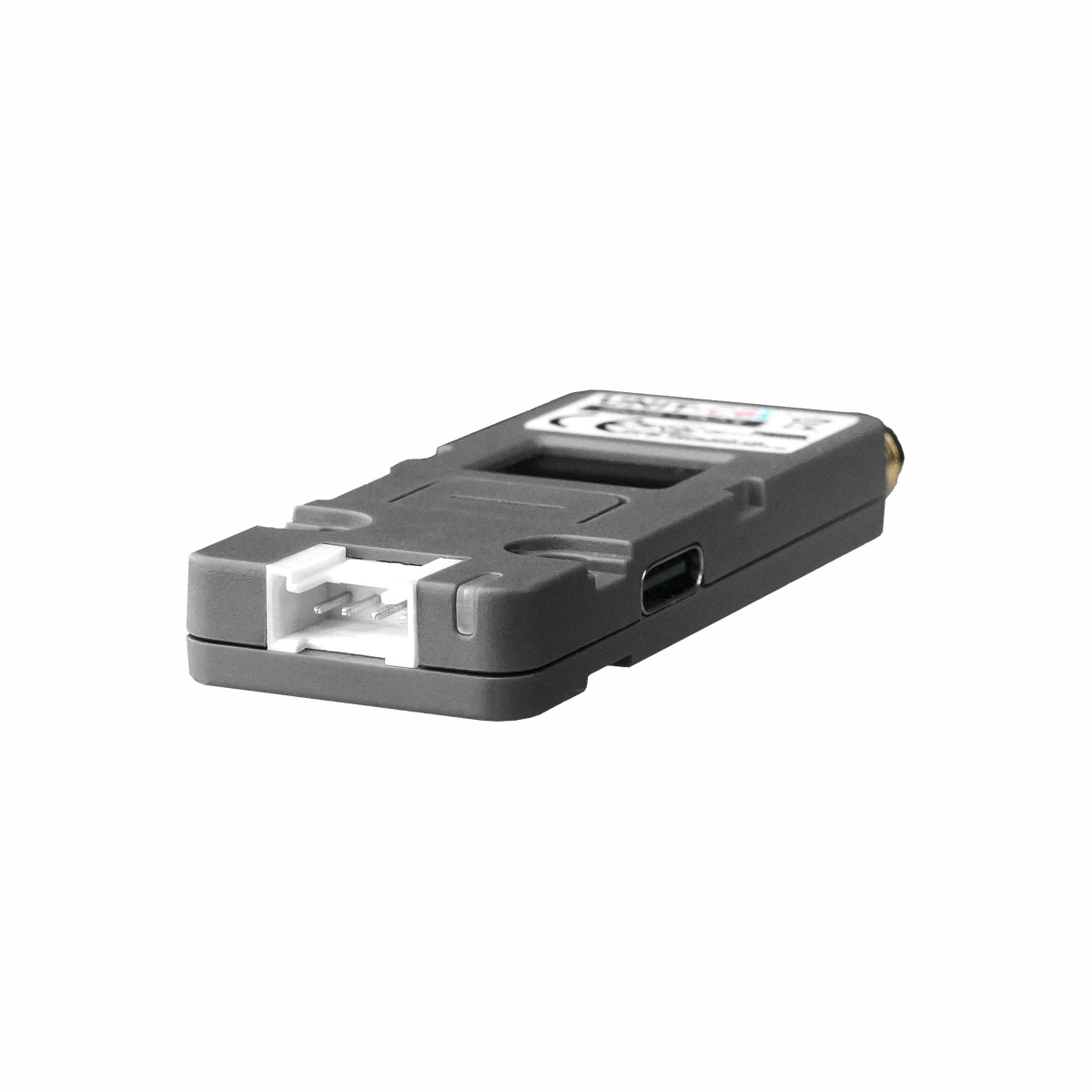
The Grove port exposes 5 V, ground, GPIO4, and GPIO5. Check the selected firmware, signal levels, and sensor interface before connecting an accessory. A four-pin plug alone does not establish compatibility or 5 V-tolerant GPIO.
Also distinguish the factory demo from upstream Meshtastic. M5Stack's EasyLoader notes say that demo disables MQTT messaging and the web server. Verify the exact release's features before planning an Internet-connected gateway.
Can you program Unit C6L yourself?
Yes. The Arduino quick start selects M5UnitC6L, installs M5Unified and M5GFX, and begins with M5GFX's Basic → GameOfLife example. Its download-mode sequence holds the side button for about three seconds until the green indicator turns red.
For custom radio packets, use the model-specific LoRa example. It specifies M5Stack Board Manager 3.2.3 or later and RadioLib 7.3.0 or later, with SX1262 and board-specific GPIO-expander/RF-switch initialization. These are documented minimums.
UiFlow2 offers graphical programming with Unit C6L-specific firmware installed through M5Burner. Replacing Meshtastic with your own sketch changes the application running on the unit. A custom LoRa packet is not automatically a Meshtastic message.
Is Unit C6L right for your project?
Choose it when a small enclosure, local status screen, and accessible connections help you move from a radio idea to a bench prototype. It suits learning Meshtastic and experimenting with short sensor or status messages, with room to develop your own software.
If integrated battery charging, onboard GPS, or outdoor protection is central to your build, compare devices designed around those needs. A long-lived remote sensor also needs a power budget for the complete system. Our development-board selection guide provides broader project context.
Frequently asked questions
Here are the key checks before planning your first pair of nodes.
Does Unit C6L support Meshtastic?
Yes. Official Meshtastic documentation lists the device, and the web flasher provides an exact M5Stack Unit C6L target. Choose an available release for that target.
Does it include a battery?
No onboard battery is listed. Plan an external supply. The documented package contains one unit, two antennas, and a Grove cable.
Is the included antenna suitable for US use?
The supplied LoRa antenna is specified as 868 MHz. Verify a suitable antenna and regional configuration for your intended US frequencies before use.
Will it join a LoRaWAN network?
Meshtastic firmware uses a different networking stack. The SX1262 radio alone does not provide a configured LoRaWAN application.
Do I need Internet access or another node?
The radio link works without Internet access. You still need a compatible, powered peer within radio reach and matching settings to exchange messages.
Ready to plan your first link? Check current Unit C6L pricing and availability at Electromaker, then build your parts list around the antennas, power, and peer node.
Want a chance to win the featured unit? Tell us what you would build in the video's YouTube comments.

Robin Mitchell is an electronic engineer who has been involved in electronics since the age of 13. After completing a BEng at the University of Warwick, Robin moved into the field of online content creation developing articles, news pieces, and projects aimed at professionals and makers alike. Currently, Robin runs a small electronics business, MitchElectronics, which produces educational kits and resources.










Leave your feedback...