





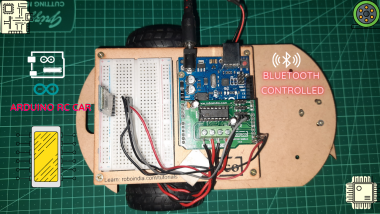
Bluetooth Rc Car Using Arduino

Made by avionicharshit / Communication / Robotics / Sensors / Vehicles / IoT
About the project
Hello guys, In This Video , I Am Going To Show You How To Make Bluetooth Rc Car Using Arduino.
Project info
Difficulty: Moderate
Platforms: Arduino
Estimated time: 2 hours
License: GNU General Public License, version 3 or later (GPL3+)
Items used in this project
Hardware components


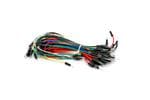
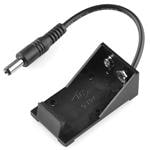
View all
Software apps and online services

Story
- Step 1: Assemble the circuit as shown in the schematic given below
- Step 2: Compile the code given below in the Arduino-IDE and hit upload, but before that make sure you have disconnected RX of Arduino from TX of Bluetooth Module (HC-05).
- Step 3: Install the application on your Android device through a link provided below.
- Step 4: Pair your Android device and HC-05 over Bluetooth. Now, open the app and click on Bluetooth-icon and select your device from the list.
- Step 5: Now you have gone through all the hard work ! Just sit back and relax and use the on-screen controls available on the app to control the car/bot. You could also change the schematic and code, and add some servos or other actuators to it. But keep it mind as you increase the quantity of actuators, your car/bot would demand more power from the battery/battery-pack.
Schematics, diagrams and documents
Code
Credits
Related products





Leave your feedback...