





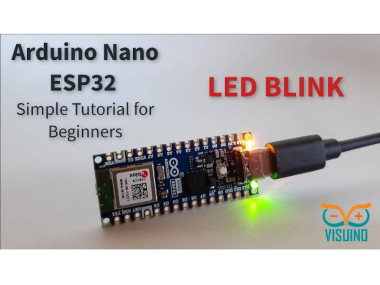
Arduino Nano Esp32 How To Blink An Led Using Visuino
About the project
Learn how to program a Arduino Nano ESP32 board to blink the built-in LED using Visuino. Watch the Video!
Project info
Difficulty: Easy
Estimated time: 1 hour
License: GNU General Public License, version 3 or later (GPL3+)
Items used in this project


Story
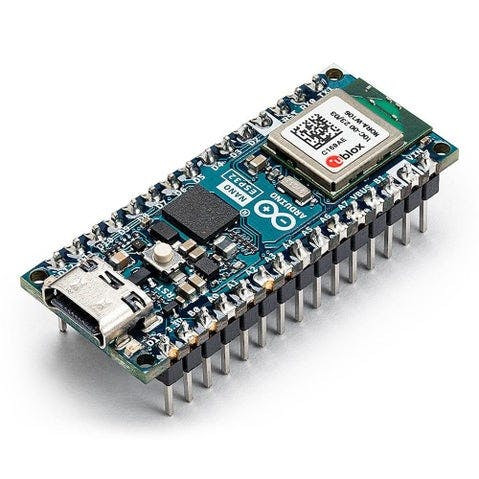
- Arduino Nano ESP32
- Visuino program: Download Visuino
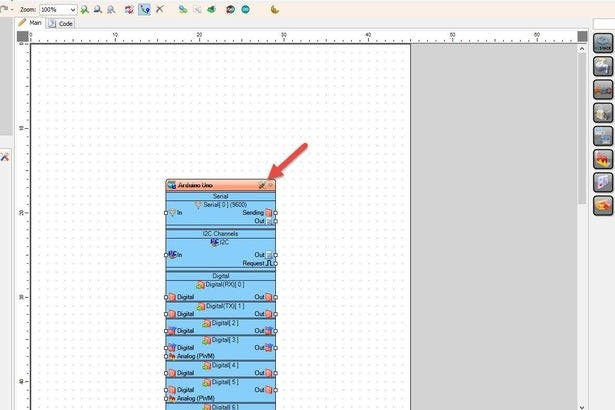
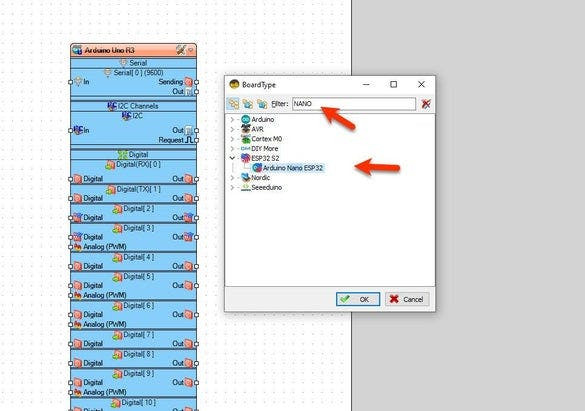
Start Visuino as shown in the first picture Click on the "Tools" button on the Arduino component (Picture 1) in Visuino When the dialog appears, select "Arduino Nano ESP32" as shown on Picture 2
Step 3: In Visuino Add & Connect Components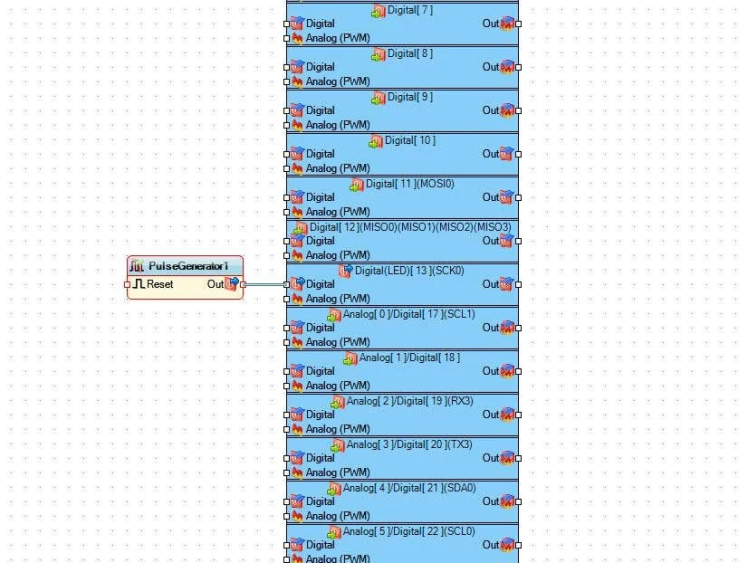
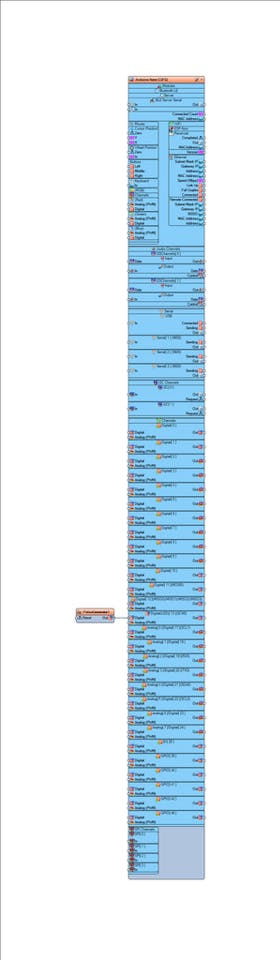
Add "Pulse Generator" component
- Connect "PulseGenerator1" pin [Out] to Arduino Nano ESP32 > Digitalpin [13]
- If you want to increase the speed of the blinking select "PulseGenerator1" and in the properties window change the "Frequency" value
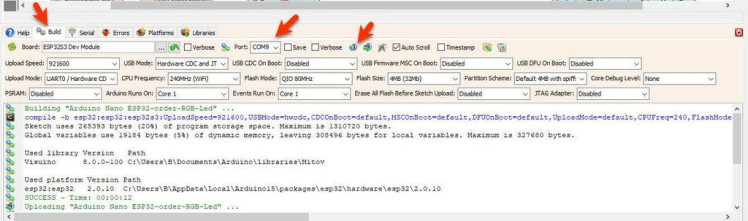
- In Visuino, at the bottom click on the "Build" Tab, make sure the correct port is selected, then click on the "Compile/Build and Upload" button.
After uploading the project to the Arduino Nano ESP32 board the internal LED will blink.
Congratulations! You have completed your LED project with Visuino. Also attached is the Visuino project, that I created for this Tutorial. You can download and open it in Visuino: https://www.visuino.com
Schematics, diagrams and documents
Code
Credits
Related products





Leave your feedback...