





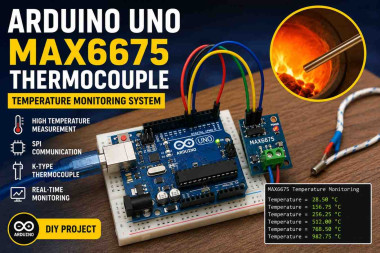
Building A High-temperature Monitoring System With Arduino U

Made by chanchaldada / Robotics / IoT
About the project
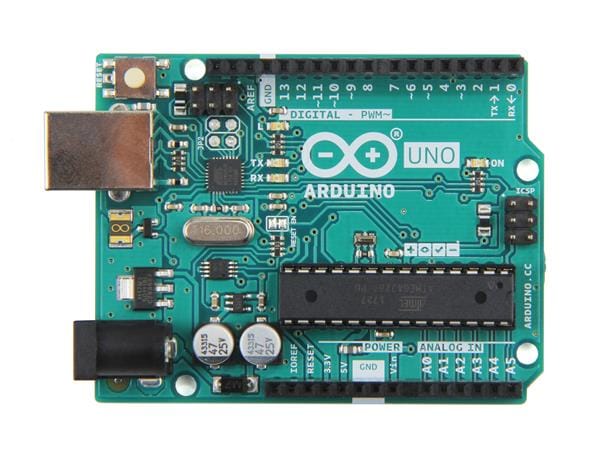
This project uses an Arduino UNO and MAX6675 thermocouple module to accurately measure high temperatures in real time, making it suitable for industrial heating systems, furnaces, ovens, and laboratory monitoring applications.
Project info
Difficulty: Expert
Platforms: Arduino, Everything ESP, Raspberry Pi, JLCPCB
Estimated time: 4 hours
License: MIT license (MIT)
Items used in this project
Hardware components



Story
Introduction
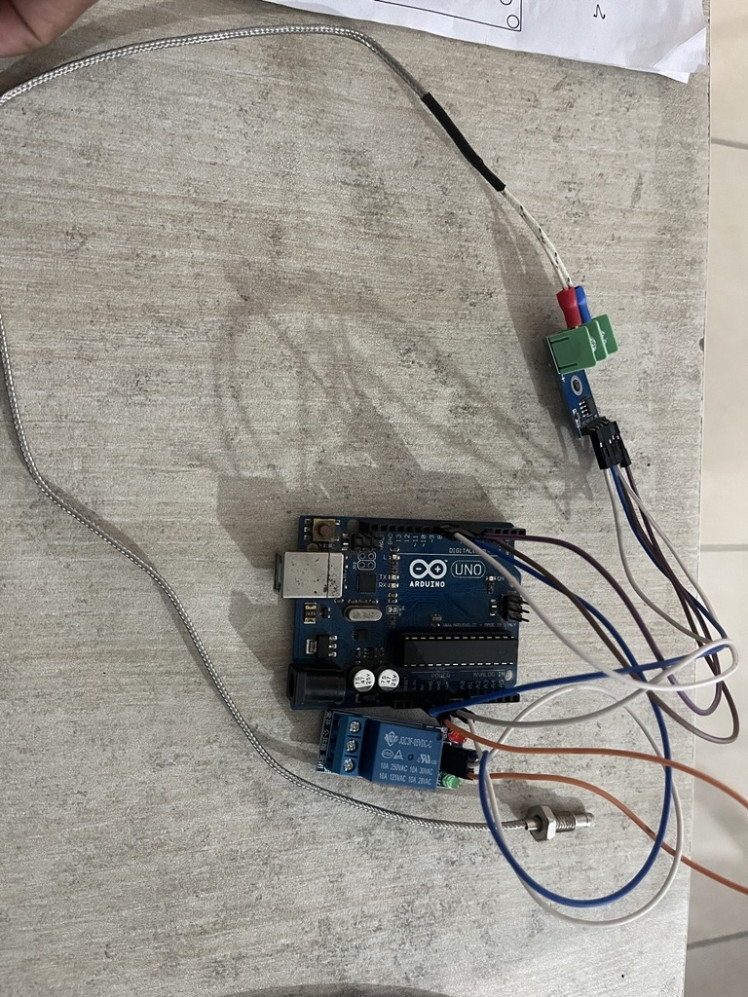
Monitoring high temperatures is essential in many industrial, laboratory, and DIY applications. While common temperature sensors work well for moderate temperatures, they are often unsuitable for environments where temperatures can exceed several hundred degrees Celsius. This is where a K-Type thermocouple combined with a MAX6675 thermocouple amplifier becomes extremely useful.
In this project, I built a simple temperature monitoring system using an Arduino UNO, a MAX6675 module, and a K-Type thermocouple. The setup continuously measures temperature and displays real-time readings through the Arduino Serial Monitor.
Why Use the MAX6675?
The voltage generated by a thermocouple is extremely small and difficult for a microcontroller to read directly. The MAX6675 solves this problem by amplifying the signal and converting it into a digital value that can be easily read by Arduino through SPI communication. Arduino UNO can not read k-type thermocouple because thermocouple generates very small voltage. That is why we use MAX6675.
Key advantages include:
High-temperature measurement capability
Simple SPI interface
Good accuracy and resolution
Easy integration with Arduino boards
Wiring Connections
+-------------------+
| Arduino UNO |
| |
| 5V ------------+-----------------> VCC
| GND ------------+-----------------> GND
| D4 -----------------------------> SO
| D5 -----------------------------> CS
| D6 -----------------------------> SCK
+-------------------+
|
|
+-------------+
| MAX6675 |
| |
| T+ T- |
+------+------+
|
|
K-Type Thermocouple
Thermocouple MAX6675 Positive (+) T+ Negative (-) T- The K-Type thermocouple senses temperature and generates a small voltage proportional to the temperature difference. The MAX6675 converts this analog signal into digital temperature data. Basically this project is made for monitoring temperature with arduino UNO and MAX6675. Arduino communicates with the MAX6675 over SPI, reads the temperature value every second, and displays it on the Serial Monitor. As the thermocouple is exposed to heat, the displayed temperature changes in real time. Thermocouple Connections
After uploading the sketch: Open the Serial Monitor. Select 9600 baud rate. Observe the live temperature readings. Apply heat near the thermocouple tip and watch the values increase. Industrial furnace monitoring Heating systems Metal processing Food processing equipment Scientific experiments Temperature-controlled automation This project demonstrates a straightforward way to measure high temperatures using Arduino and a thermocouple. The combination of the MAX6675 and Arduino UNO provides a reliable solution for applications where conventional temperature sensors are not sufficient. It can also serve as a foundation for more advanced systems that include displays, alarms, data logging, or IoT connectivity. This is very beneficial because this project is used for temperature monitoring, heat monitoring, burning and boiling monitoring. Basically this project is used in boiler and stem systems, industrial, boiler systems like home accessories etc. Companies looking to accelerate embedded system development can hire remote arduino developers for custom automation, sensing, and IoT-based projects.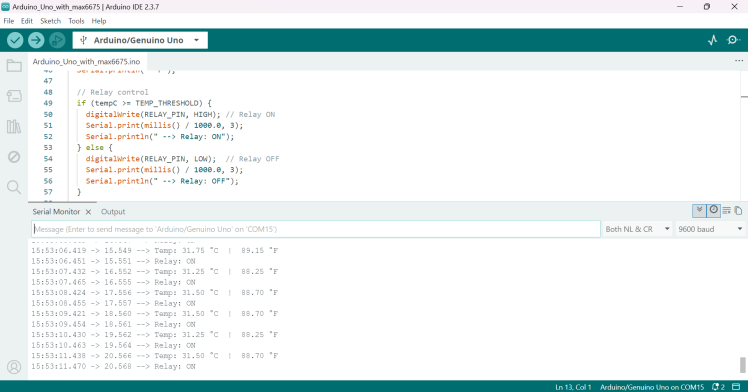
Final Thoughts
Schematics, diagrams and documents
Credits
chanchaldada
Chanchal Dada is an IoT developer at DigitalMonk, focused on building smart embedded systems using Arduino and ESP32. She specializes in IoT-based automation, smart monitoring solutions, and real-world hardware-software integration for practical applications.
Related products





Leave your feedback...