





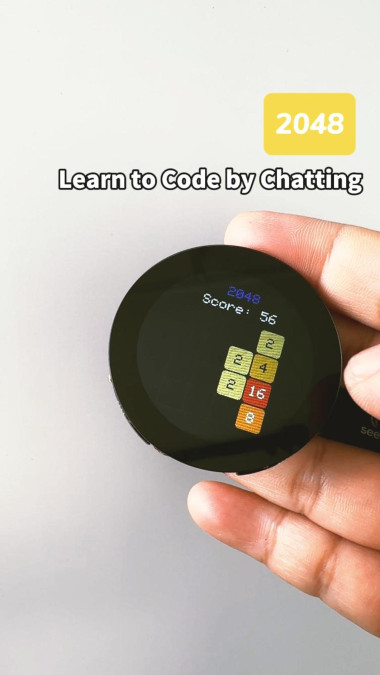
2048 On A Touchscreen

Made by -175 / Games & Gaming / Sensors
About the project
Play the classic 2048 number-merging game on a XIAO ESP32S3 round touch display — swipe to control tiles and merge your way to 2048.
Project info
Difficulty: Easy
Estimated time: 1 hour
License: Creative Commons Attribution CC BY version 4.0 or later (CC BY 4+)
Items used in this project
Hardware components


Story
Step 1: Open CodeCraft
Visit CodeCraft (Click here to visit the website)in your browser, log in, and create a new project.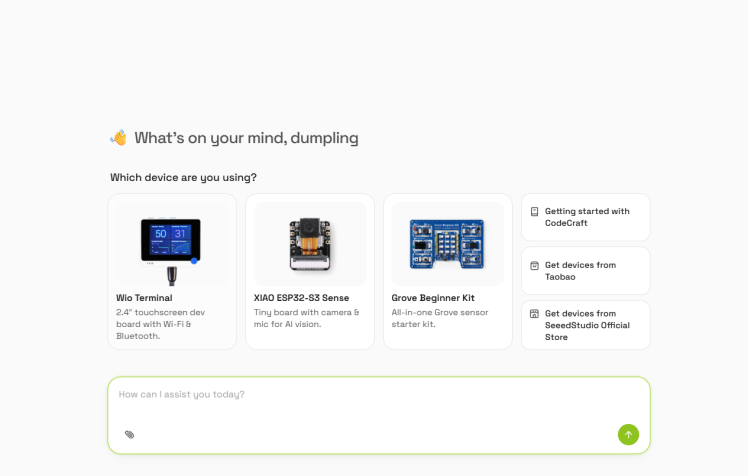
Step 2: Enter Project Requirements
In the CodeCraft dialog, describe the features and effects you want to achieve.
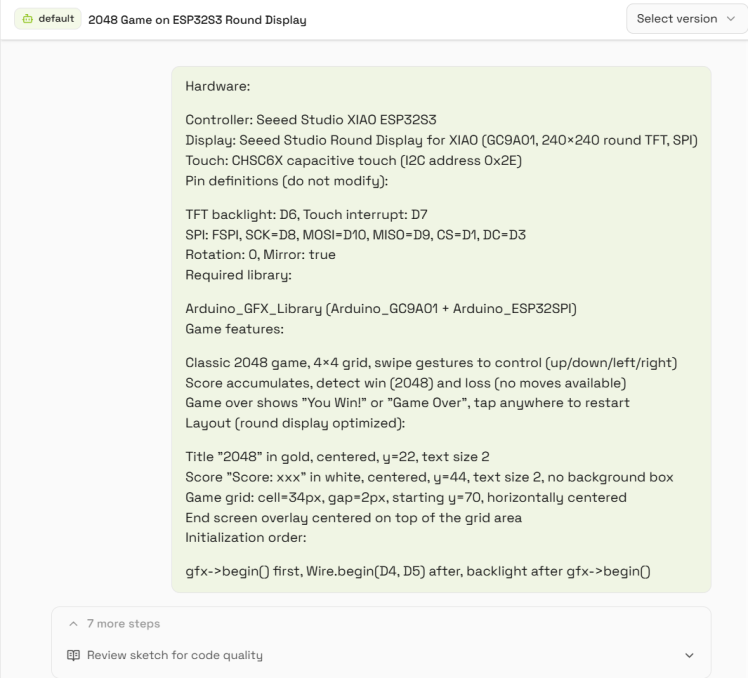
Step 3: Flash the Program
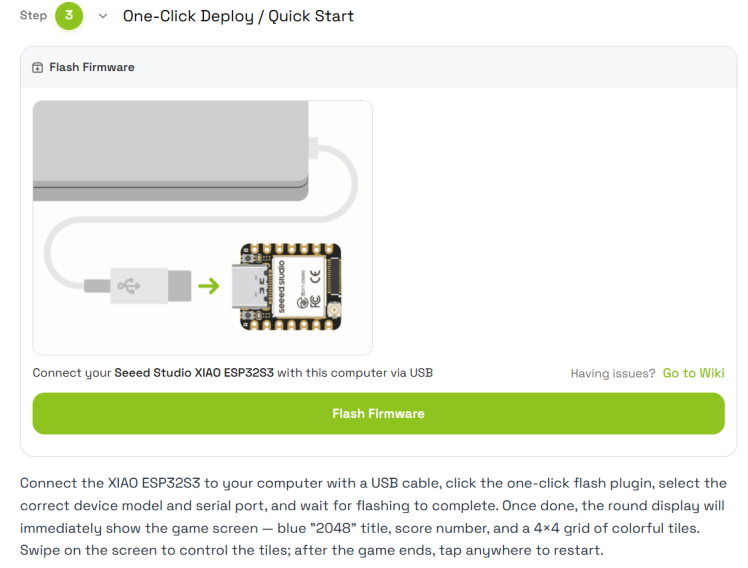
After CodeCraft generates the project, connect the XIAO ESP32S3 to your computer with a USB cable. Select the correct device model and serial port in CodeCraft, click the flash button, and wait for it to complete.
Step 4: Test the Game
Once flashing is done, the round display will light up, showing the blue "2048" title, current score, and a 4×4 game grid. Swipe on the screen with your finger, and the tiles will move and merge in the swipe direction. If the title or score position isn't quite right, you can tell CodeCraft what the issue is and what you want it to look like, and it will adjust the layout.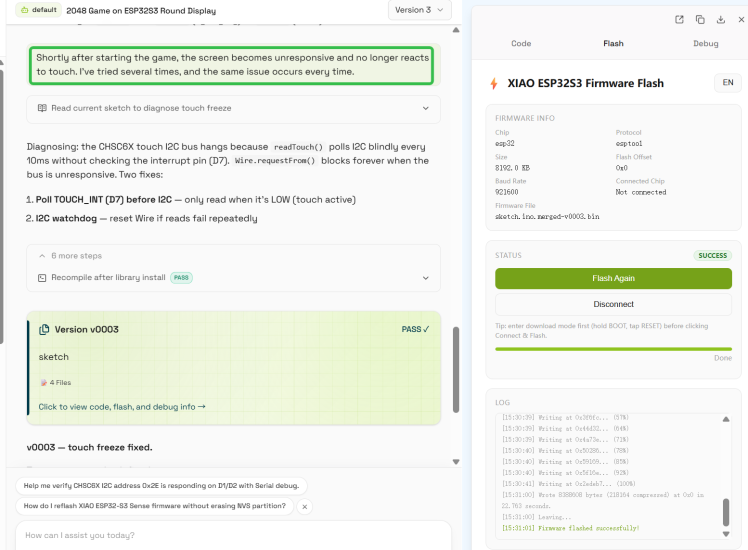
Create Your Own Project with a Prompt
You can also refer to prompt.txt to regenerate this project in CodeCraft.
To flash the program, simply open the project details page and flash the firmware with one click—no software installation or coding required.
How can I try this project with Codecraft?
Credits
Related products








Leave your feedback...