





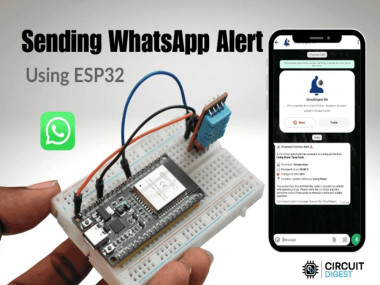
Send Whatsapp Messages Using Esp32 & Cloud Api

Made by electroscope_archive / Notifications
About the project
Build a smart notification system with ESP32 and send WhatsApp alerts via cloud integration
Project info
Items used in this project
Hardware components


Story
Send WhatsApp Messages Using ESP32 & Cloud API
Build a smart notification system with ESP32 and send WhatsApp alerts via cloud integration
Overview
This project demonstrates how to send WhatsApp messages directly from an ESP32 using a cloud-based API. It’s a practical IoT application that allows your device to send real-time alerts, notifications, or status updates to your phone. By integrating Wi-Fi connectivity with a messaging service, you can monitor systems remotely and stay informed instantly.
How It Works
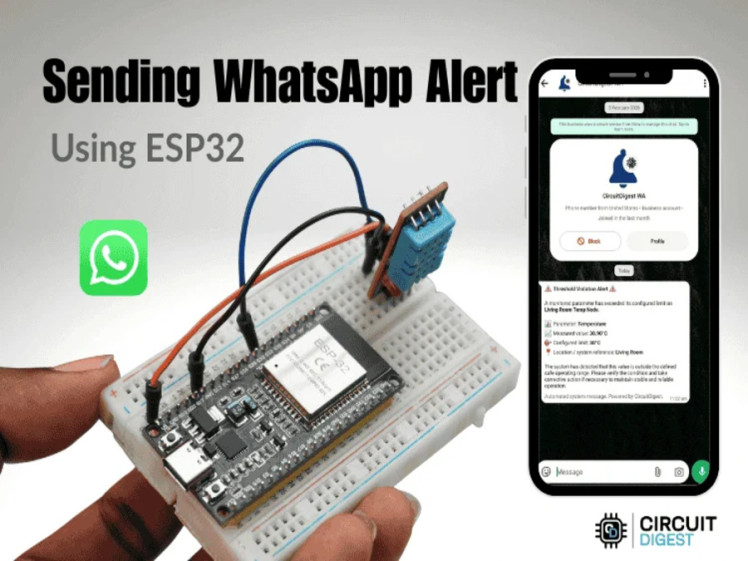
The ESP32 connects to a Wi-Fi network and communicates with a cloud service that acts as a bridge to WhatsApp. When triggered (either manually or through a sensor/event), the ESP32 sends an HTTP request to the cloud API. The cloud platform processes this request and forwards the message to a specified WhatsApp number.
Features
Send instant WhatsApp messages from ESP32
No GSM module required
Works over Wi-Fi
Easy integration with sensors or automation systems
Ideal for alerts, reminders, and IoT notifications
Components Required
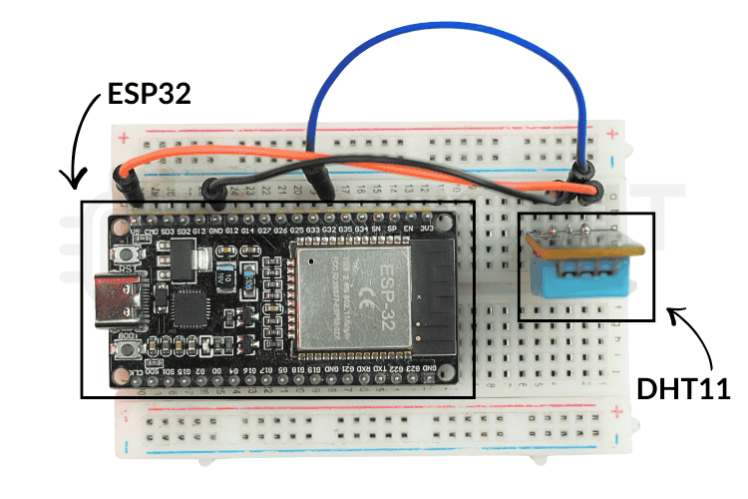
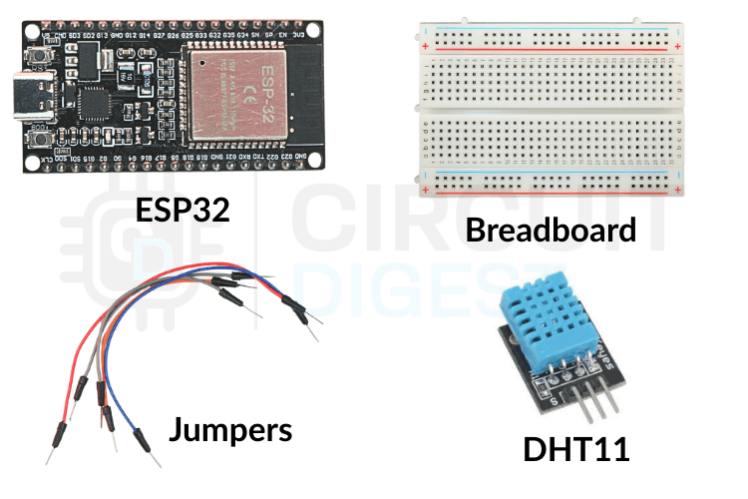
ESP32 development board
USB cable for programming
Wi-Fi connection
Computer with Arduino IDE installed
![]()
Setting Up the Cloud API
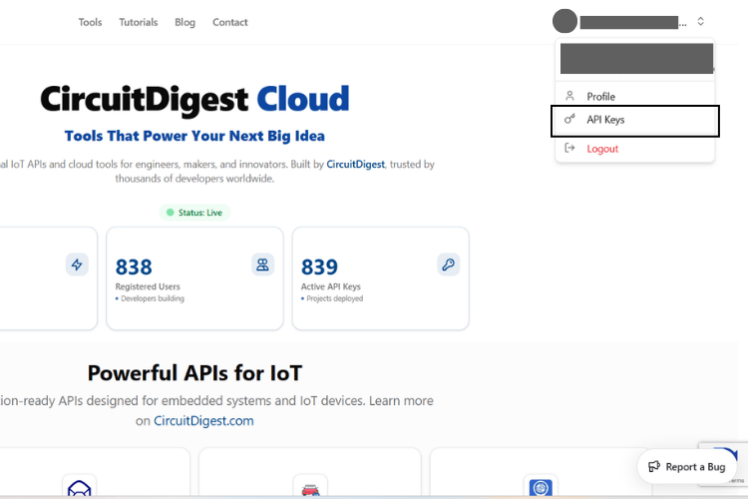
Create an account on the cloud messaging platform used in the project.
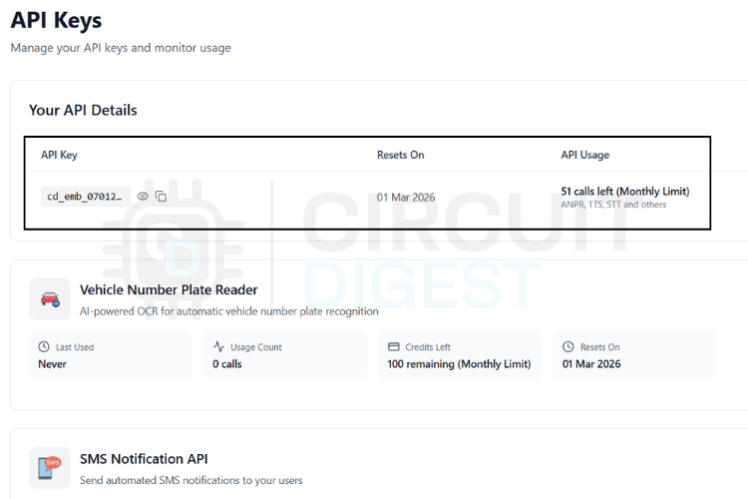
Generate an API key or token.
Register your WhatsApp number with the service.
Note down the API endpoint URL provided.
This API endpoint is what the ESP32 will use to send messages.
ESP32 Programming
Install Required Libraries
Make sure the Arduino IDE has the ESP32 board package installed. You may also need HTTP client libraries for handling web requests.
Configure Wi-Fi Credentials
Update your code with your Wi-Fi SSID and password so the ESP32 can connect to the internet.
Add API Details
Include the API endpoint and authentication key in your code. These are required to send messages through the cloud service.
Sending the Message
The ESP32 sends an HTTP POST or GET request containing:
API key
Recipient phone number
Message content
Once the request is sent, the cloud service processes it and delivers the message via WhatsApp.
Example Workflow
ESP32 powers on and connects to Wi-Fi
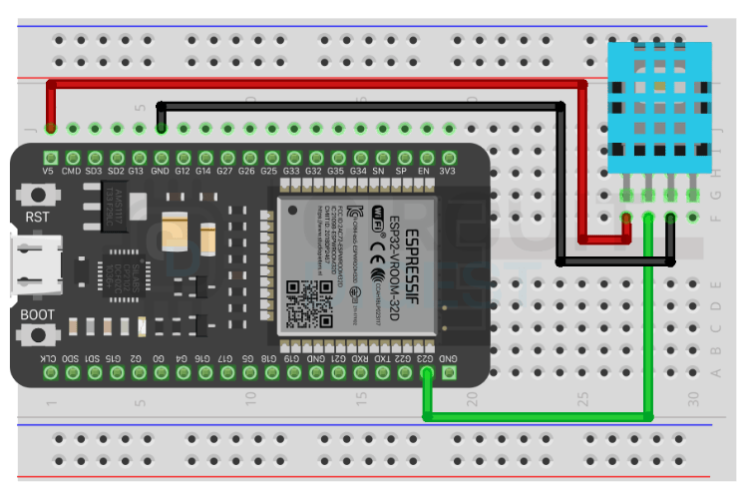
A trigger event occurs (button press, sensor reading, etc.)
ESP32 sends a request to the cloud API
API forwards the message to WhatsApp
User receives the notification instantly
Applications
Home automation alerts
Security system notifications
Industrial monitoring
Smart agriculture updates
Remote device status reporting
Tips for Better Performance
Ensure stable Wi-Fi connectivity
Use proper error handling in your code
Avoid sending messages too frequently to prevent API limits
Secure your API key to prevent misuse
Conclusion
This Esp32 whatsapp notification project is a simple yet powerful way to integrate messaging into IoT systems. By using ESP32 and a cloud-based WhatsApp API, you can build smart notification systems without complex hardware. It’s scalable, efficient, and perfect for real-world applications where instant communication matters.
Explore a wide range of ESP32 Projects and innovative IoT Projects to build smart, connected electronics with step-by-step guides and real-world applications.
Schematics, diagrams and documents
Code
Credits
Related products






Leave your feedback...