





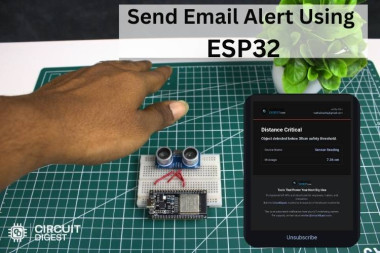
Send Emails With Esp32 Using Circuitdigest Cloud

Made by electroscope_archive / Notifications
About the project
Build an ESP32 system to trigger and send emails using cloud-based automation
Project info
Items used in this project
Hardware components



Story
Send Emails with ESP32 Using CircuitDigest Cloud
This project shows how to use an ESP32 to send emails automatically through CircuitDigest Cloud. It’s a practical IoT application where a simple trigger, like a button press or sensor input, can notify you instantly via email. The setup is straightforward, requires minimal hardware, and demonstrates how cloud services can extend microcontroller capabilities beyond local networks. Discover a massive collection of hands-on builds at IoT projects with code, circuit diagrams, and tutorials to explore real-world embedded systems ideas and implementations.
Overview
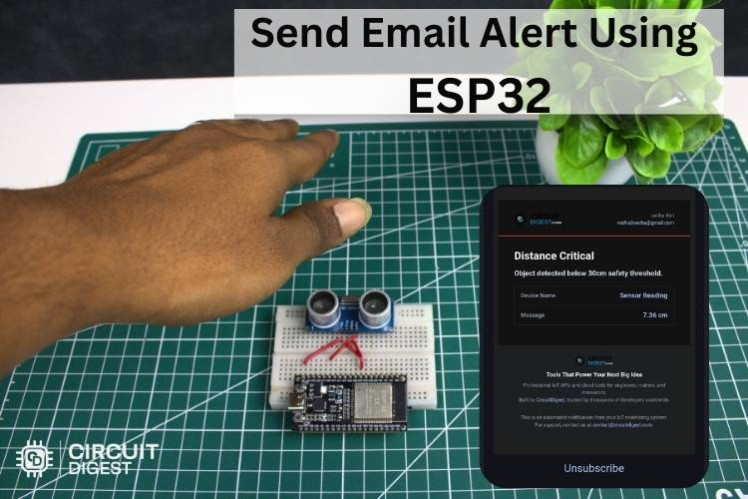
In this project, the ESP32 connects to Wi-Fi and communicates with CircuitDigest Cloud to send email alerts. Instead of handling complex SMTP protocols directly on the microcontroller, the cloud platform manages email delivery, making the system more reliable and easier to implement.
How It Works
- The ESP32 connects to your Wi-Fi network
- A trigger event occurs (button press or condition)
- ESP32 sends a request to CircuitDigest Cloud
- The cloud platform processes the request
- An email notification is sent to the configured recipient
Key Features
- No need for SMTP server setup
- Works over standard Wi-Fi networks
- Simple API-based communication
- Real-time email notifications
- Expandable for multiple triggers and alerts
Hardware Requirements
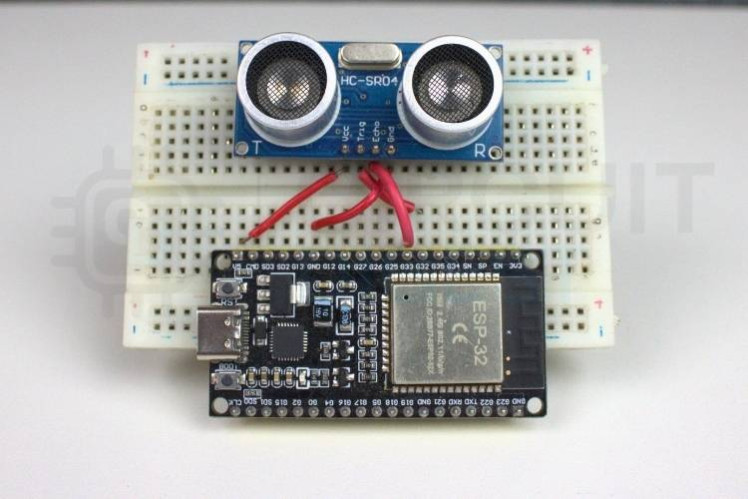
- ESP32 development board
- Push button (or any sensor/module as trigger)
- Breadboard and jumper wires
- Power source (USB or battery)
Software Requirements
- Arduino IDE with ESP32 board support
- CircuitDigest Cloud account
- Wi-Fi network credentials
Setting Up CircuitDigest Cloud
Create an Account
- Sign up on CircuitDigest Cloud
- Log in to access the dashboard
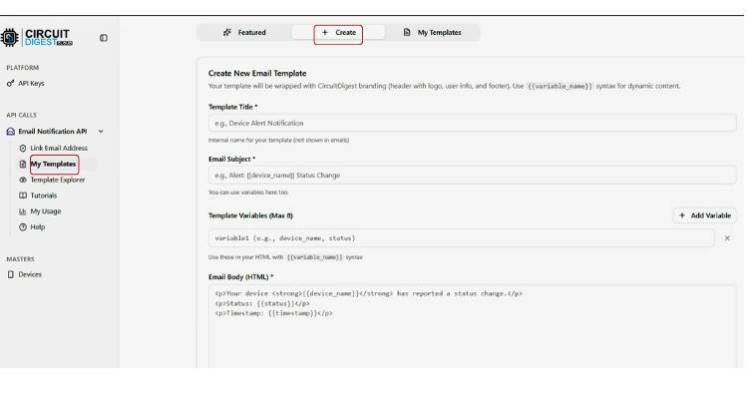
Create a New Project
- Start a new project from the dashboard
- Configure an event or trigger
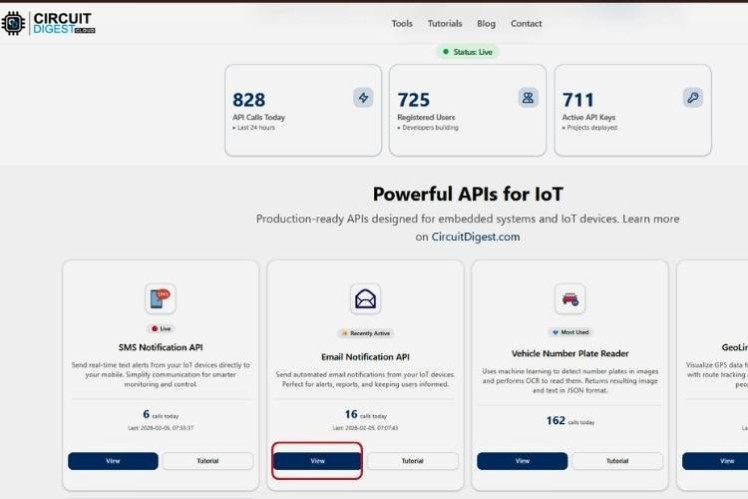
Configure Email Action
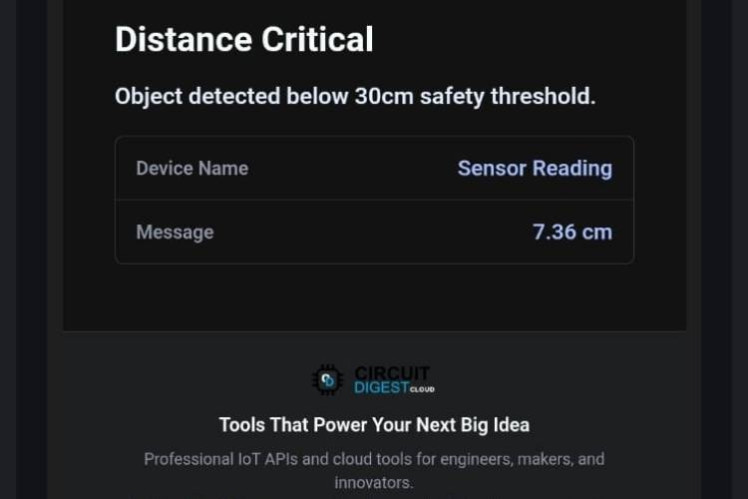
- Add an email notification action
- Enter recipient email address
- Customize subject and message
ESP32 Programming
Install ESP32 Board
- Open Arduino IDE
- Add ESP32 board support via Board Manager
Include Required Libraries
- WiFi library (built-in)
- HTTPClient for API communication
Code Logic
- Connect ESP32 to Wi-Fi
- Monitor input (button/sensor)
- Send HTTP request to CircuitDigest Cloud when triggered
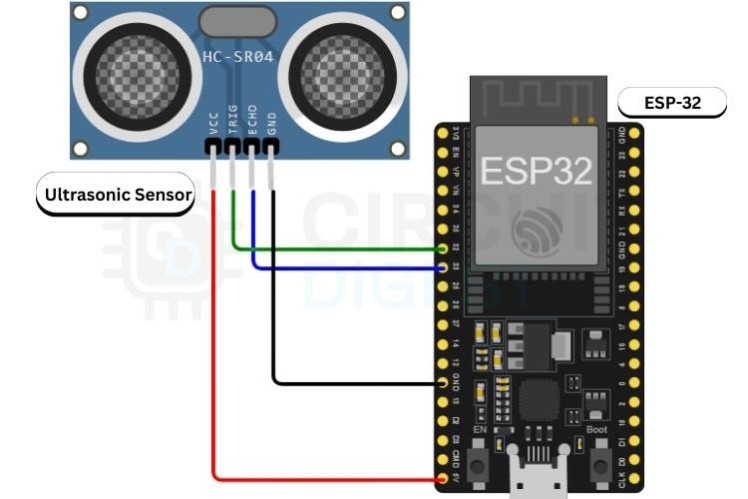
Circuit Connections
Button Setup
- One side of button to GPIO pin
- Other side to GND
- Use internal pull-up resistor in code
Powering ESP32
- Use USB or regulated 5V supply
Uploading and Testing
Upload Code
- Select correct ESP32 board and COM port
- Upload the sketch
Monitor Output
- Open Serial Monitor
- Verify Wi-Fi connection and API response
Trigger Event
- Press the button
- Check if email is received
Applications
- Security alerts (door/window sensors)
- Industrial monitoring systems
- Home automation notifications
- Environmental alerts (temperature, gas, etc.)
Tips for Better Performance
- Ensure stable Wi-Fi connection
- Use debounce logic for button inputs
- Add retry mechanism for failed requests
- Secure your API endpoints
Conclusion
This ESP32 Send Email Notifications project simplifies email notifications with ESP32 by offloading the complexity to a cloud service. It’s a scalable approach for IoT alerts and a solid foundation for building more advanced connected systems.
Schematics, diagrams and documents
Code
Credits
Related products






Leave your feedback...