





Esp32-cam Email Image Alert System

Made by electroscope_archive / Notifications
About the project
Capture images and send instant email alerts using ESP32-CAM and Wi-Fi
Project info
Items used in this project


Story
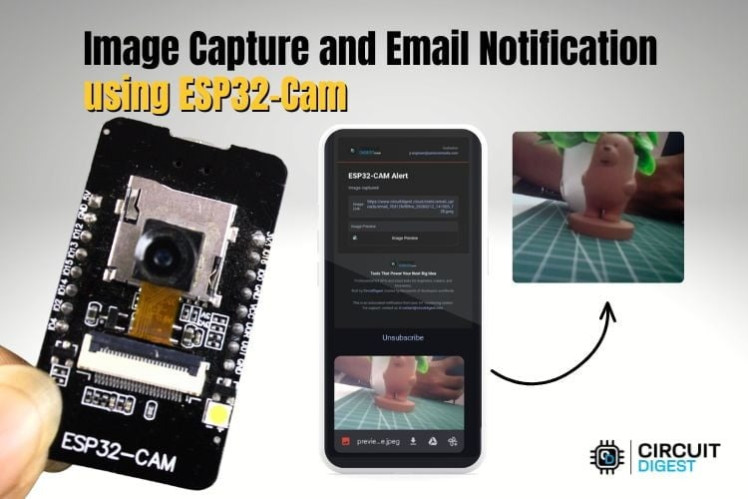
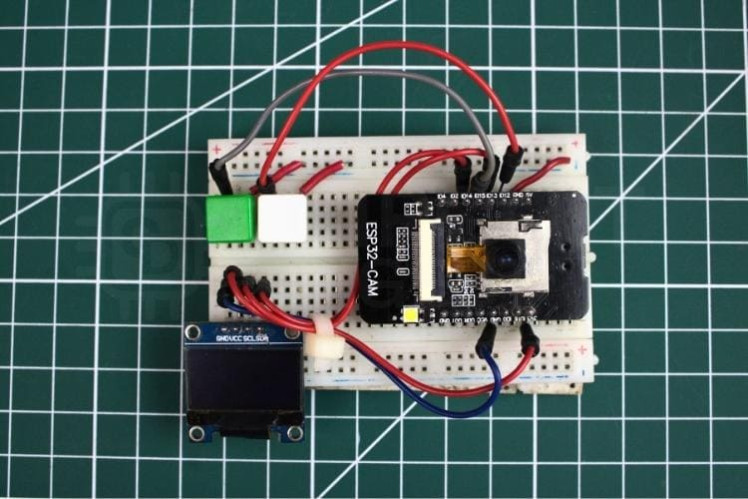
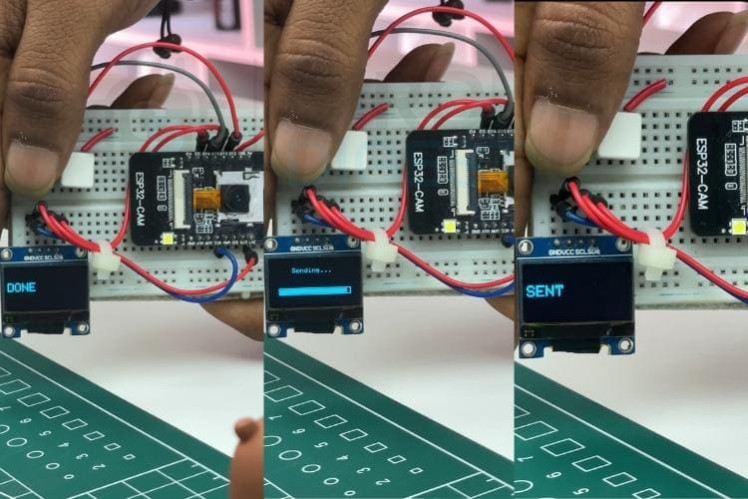
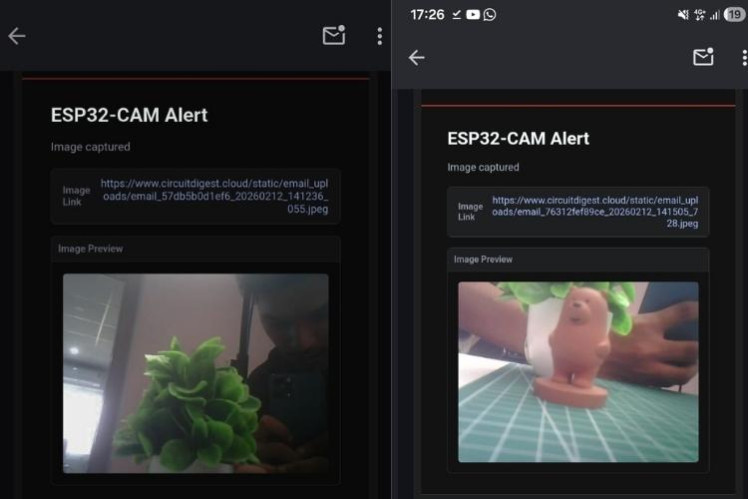
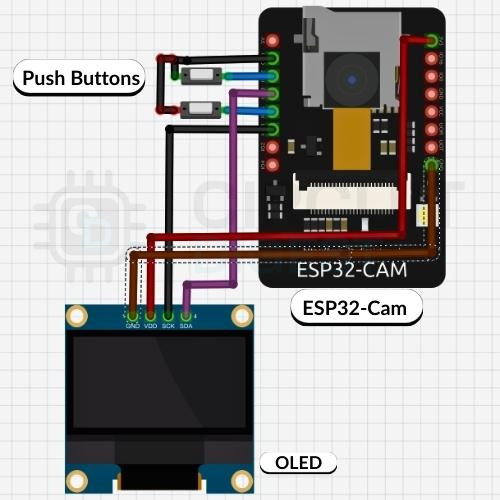
This project demonstrates how to build a compact IoT system that captures images and sends them directly to your email using an ESP32-CAM module. The system uses Wi-Fi connectivity and a cloud-based API to deliver images in real time, making it ideal for remote monitoring and smart alert applications. Explore a wide range of IoT builds and tutorials on ESP32 projects with circuit diagrams and code to kickstart your next embedded systems idea. The ESP32-CAM acts as both the controller and camera, handling image capture, processing, and communication without needing additional hardware. The ESP32-CAM serves as the main processing unit, handling both camera and Wi-Fi operations. The system is built around three main functions: A push-button interface allows manual control, while the OLED display provides feedback such as capture status and transmission progress. When the capture button is pressed: This ensures reliable acquisition before sending the image. When the send button is pressed: The email contains the captured image as an attachment. The OLED display shows: This improves usability and debugging. All components are connected using a breadboard for easy prototyping. These libraries enable image capture, internet connectivity, and real-time display functionality. These are required for successful communication with the email service. Capture and send images instantly for remote monitoring of homes or offices. Take a snapshot of visitors and send it for approval before granting access. Integrate sensors (motion, temperature, etc.) to trigger automatic image capture. Useful for field monitoring and documentation with real-time image delivery. Ideal for learning IoT, embedded systems, and cloud integration. Save images locally for backup when internet is unavailable. Replace email with app notifications for faster access. Store image history with timestamps for analytics. Add face recognition or object detection for smarter alerts. This ESP32 Cam capture image and send email project provides a simple yet powerful way to implement real-time image capture with email alerts. Its low cost, compact design, and wireless capability make it a strong foundation for IoT-based monitoring systems and smart automation solutions. Discover a massive collection of hands-on builds at IoT projects with code, circuit diagrams, and tutorials to explore real-world embedded systems ideas and implementations.
Project Overview
Key Features
Components Required
System Architecture
Working Principle
Image Capture
Email Transmission
User Feedback System
Circuit Connections
Software & Code Overview
Libraries Used
Core Functional Blocks
Configuration Parameters
Applications
Smart Surveillance
Visitor Verification
Event-Based Alerts
Remote Inspection
Educational Projects
SD Card Storage
Mobile App Integration
Cloud Database Logging
AI-Based Detection
Troubleshooting Guide
Camera Not Working
Wi-Fi Connection Issues
Email Not Received
OLED Display Issues
Frequent Reset
Conclusion
Schematics, diagrams and documents
Code
Credits
Related products




Leave your feedback...